
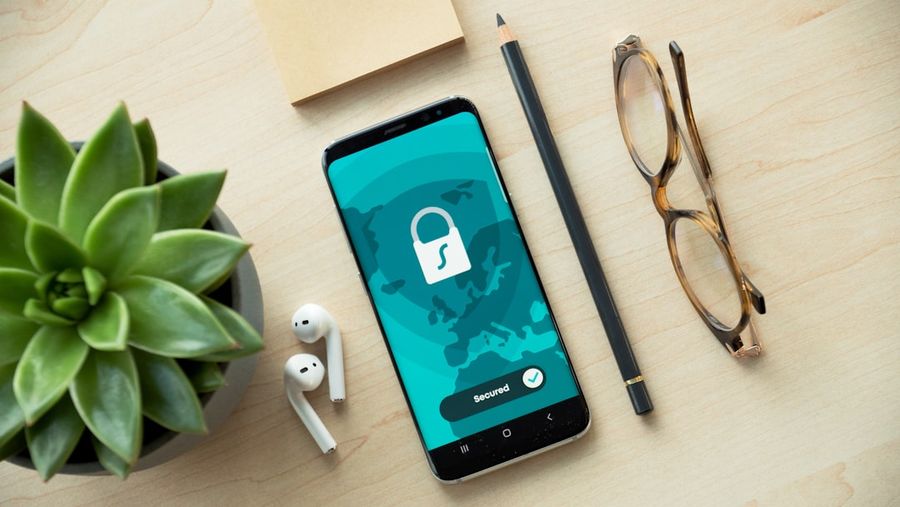
Welcome to our guide on setting up a secure VPN connection. In today’s digital age, online security and privacy are more important than ever. A Virtual Private Network (VPN) is a powerful tool that helps protect your data and maintain your privacy when browsing the internet. In this article, we’ll walk you through the process of setting up a secure VPN connection, step by step.
What You’ll Need
- A VPN service subscription
- A computer or mobile device with internet access
- The VPN software or app provided by your VPN service
Step 1: Choose a VPN Service
Choosing the right VPN service is crucial for a secure and reliable connection. Look for a service that offers strong encryption, a wide range of servers, and a no-logs policy. Some popular VPN services include ExpressVPN, NordVPN, and ProtonVPN.
Step 2: Download and Install the VPN Software
Once you’ve chosen a VPN service, download and install the VPN software or app on your device. Follow the installation instructions provided by the VPN service, and make sure to install any additional software or drivers required for the VPN to function properly.
Step 3: Launch the VPN Software and Log In
Launch the VPN software or app, and log in with your username and password. If you’re using a desktop computer, you may need to enter the VPN server address and authentication details manually.
Step 4: Select a VPN Server
Select a VPN server to connect to. Choose a server that’s closest to your physical location for the best performance. You can usually select a server from a list or map provided by the VPN software.
Step 5: Configure Your VPN Settings
Configure your VPN settings to ensure a secure connection. Enable the kill switch, which will automatically disconnect your internet connection if the VPN drops. You should also enable DNS leak protection to prevent your DNS queries from being exposed.
Step 6: Connect to the VPN
Click the connect button to establish a VPN connection. The VPN software will authenticate with the VPN server, and you’ll be connected to the VPN. You should see a confirmation message or a connected status indicator in the VPN software.
Step 7: Verify Your VPN Connection
Verify that your VPN connection is working correctly by checking your IP address and DNS leak protection. You can use online tools such as WhatIsMyIP.com or DNSLeakTest.com to verify your VPN connection.
Common Mistakes to Avoid
One common mistake is not enabling the kill switch, which can leave your internet connection exposed if the VPN drops. Another mistake is not configuring DNS leak protection, which can expose your DNS queries.
Tips and Tricks
Use a VPN with a strong encryption protocol, such as OpenVPN or WireGuard. Also, use a VPN with a no-logs policy to ensure that your online activities are not being tracked or recorded.
Frequently Asked Questions
What is a VPN, and how does it work?
A VPN is a Virtual Private Network that creates a secure and encrypted connection between your device and a VPN server. It works by routing your internet traffic through the VPN server, masking your IP address and protecting your data.
Do I need a VPN for my mobile device?
Yes, a VPN is just as important for your mobile device as it is for your computer. Mobile devices are vulnerable to hacking and data theft, and a VPN can help protect your mobile device and data.
Can I use a free VPN service?
While free VPN services may seem appealing, they often come with limitations and risks. Free VPN services may not offer strong encryption, and they may collect and sell your data to third parties. It’s recommended to use a paid VPN service for the best security and privacy.
Conclusion
Setting up a secure VPN connection is a straightforward process that can help protect your online data and privacy. By following these steps and tips, you can ensure a secure and reliable VPN connection. Remember to choose a reputable VPN service, enable the kill switch and DNS leak protection, and verify your VPN connection to ensure the best security and privacy.
Photo by Dan Nelson on Unsplash


