
Welcome to our guide on setting up a home network using Linux. In this article, we will walk you through the process of creating a secure and efficient home network using Linux. Whether you’re a beginner or an experienced user, this guide will provide you with the necessary steps to get your home network up and running.
What You’ll Need
- A Linux-based computer or server
- A router
- A switch (optional)
- Network cables
- A internet connection
Step 1: Install and Configure the Linux Operating System
The first step in setting up a home network using Linux is to install and configure the Linux operating system on your computer or server. You can choose from a variety of Linux distributions, such as Ubuntu, Debian, or Fedora. Once you have installed the operating system, you will need to configure the network settings. This can be done by editing the /etc/network/interfaces file or by using a graphical user interface such as Network Manager.
Step 2: Configure the Network Interface
Next, you will need to configure the network interface on your Linux computer or server. This can be done by editing the /etc/network/interfaces file. For example, to configure a static IP address, you can add the following lines to the file: auto eth0. You will need to replace the IP address, netmask, and gateway with the values for your network.
iface eth0 inet static
address 192.168.1.100
netmask 255.255.255.0
gateway 192.168.1.1
Step 3: Set Up the Router
Once you have configured the network interface on your Linux computer or server, you will need to set up the router. This will typically involve configuring the router’s IP address, subnet mask, and default gateway. You will also need to configure the router’s DNS settings and set up any additional features such as port forwarding or VPN support.
Step 4: Connect Devices to the Network
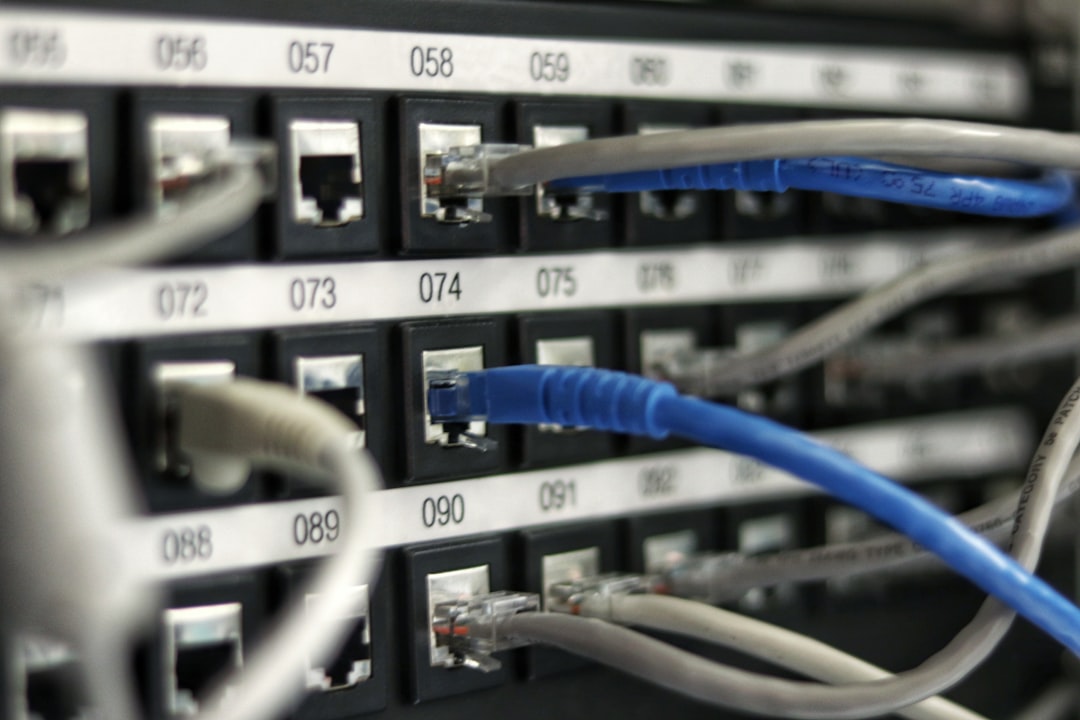
With the router and Linux computer or server configured, you can now connect devices to the network. This can be done using network cables or wirelessly using a wireless router or access point. Make sure that each device is configured to obtain an IP address from the router and that the device is able to connect to the internet.
Step 5: Configure the Firewall
Once you have connected devices to the network, you will need to configure the firewall to allow or block traffic as needed. This can be done using the iptables command or by using a graphical user interface such as ufw. For example, to allow incoming traffic on port 80, you can use the following command: iptables -A INPUT -p tcp --dport 80 -j ACCEPT.
Step 6: Test the Network
Finally, you will need to test the network to ensure that it is working correctly. This can be done by pinging other devices on the network, transferring files, or accessing the internet. Make sure that all devices are able to connect to the network and that the network is stable and secure.
Common Mistakes to Avoid
When setting up a home network using Linux, there are several common mistakes to avoid. These include using the wrong IP address or subnet mask, not configuring the firewall correctly, and not testing the network thoroughly. Additionally, make sure that you have the necessary hardware and software components and that you follow the instructions carefully.
Tips and Tricks
Here are some additional tips and tricks to help you set up and manage your home network using Linux. Use a consistent naming convention for your devices and networks, and make sure that you have a backup of your configuration files. Additionally, consider using a network monitoring tool to keep an eye on your network traffic and performance.
Frequently Asked Questions
What is the best Linux distribution for a home network?
The best Linux distribution for a home network will depend on your specific needs and preferences. Some popular options include Ubuntu, Debian, and Fedora.
How do I configure the firewall on my Linux computer or server?
The firewall can be configured using the iptables command or by using a graphical user interface such as ufw.
What is the difference between a router and a switch?
A router connects multiple networks together and routes traffic between them, while a switch connects multiple devices within a single network and forwards traffic between them.
Conclusion
In conclusion, setting up a home network using Linux can be a rewarding and challenging project. By following the steps outlined in this guide and avoiding common mistakes, you can create a secure and efficient home network that meets your needs. Remember to test your network thoroughly and consider using additional tools and features to manage and monitor your network.
Photo by Jordan Harrison on Unsplash