
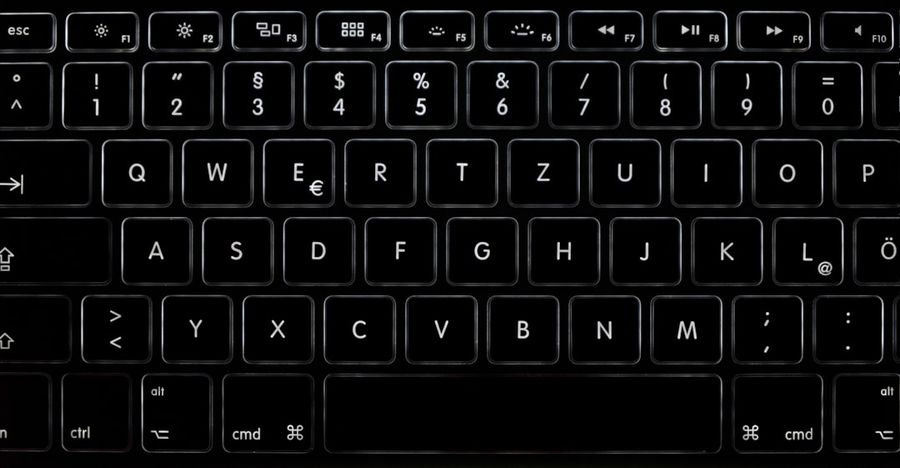
Imagine navigating every app, website, and operating‑system setting without ever touching a mouse or trackpad. For many power users, developers, and accessibility advocates, that vision is already a daily reality—but it’s still a fringe practice in a world dominated by point‑and‑click interfaces. The push for fully keyboard‑driven graphical user interfaces (GUIs) is gaining momentum, and it’s not just a niche convenience. It’s a paradigm shift that could reshape productivity, inclusivity, and even the way software is engineered.
Background / What Led to This
Keyboard shortcuts have been part of computing since the days of command‑line shells. Early graphical systems like the Xerox Alto and the original Macintosh offered limited key combos, but the mouse quickly became the default navigation tool. Over the past decade, three forces have converged to resurrect the keyboard’s prominence. First, the rise of remote work and multi‑monitor setups has exposed the inefficiencies of mouse‑heavy workflows. Second, accessibility legislation and advocacy have highlighted how mouse‑centric designs exclude users with motor impairments. Third, modern development frameworks—React, SwiftUI, and Jetpack Compose—now expose UI elements as programmable nodes, making it technically easier to bind them to keyboard actions. Together, these trends have set the stage for a renewed debate about the role of keyboards in GUIs.
What Exactly Happened
Last week, a coalition of open‑source contributors, UI designers, and accessibility experts released the “Keyboard‑First GUI Manifesto” on GitHub. The manifesto outlines a set of concrete guidelines: every interactive element must be reachable via a logical tab order, every action should have a discoverable shortcut, and visual focus indicators must be clear and consistent. The document also introduced a reference implementation called “KFGUI‑Kit,” a lightweight library for web and native apps that automatically generates keyboard navigation maps based on component hierarchies. Within 48 hours, major browsers announced experimental support for the new focus-visible CSS pseudo‑class, and Apple’s WWDC preview hinted at native support for “focus‑first” windows in macOS Monterey 14.2.
Industry Impact
The ripple effects are already visible. Enterprise software vendors such as Salesforce and ServiceNow have begun rolling out “keyboard‑mode” toggles in their admin consoles, promising up to a 30 % reduction in task completion time for power users. In the consumer space, the popular design tool Figma added a “Keyboard‑Only Mode” that lets designers prototype without a mouse, a feature that has been praised for speeding up iterative workflows. From a development perspective, the manifesto forces teams to treat focus management as a first‑class concern rather than an afterthought, leading to cleaner component APIs and fewer bugs related to hidden focus traps. Moreover, the accessibility community sees this as a win‑win: keyboard‑first design inherently satisfies many WCAG 2.2 success criteria, reducing the compliance burden for companies worldwide.
What This Means for You
If you spend even a few hours a week in a productivity suite, a design application, or a web browser, you’ll notice immediate benefits. Keyboard‑driven GUIs eliminate the “mouse‑to‑keyboard” context switch, allowing you to keep your hands on the home row and maintain mental focus. For developers, adopting KFGUI‑Kit or similar patterns can future‑proof applications against evolving accessibility standards and can simplify automated UI testing, since keyboard events are deterministic and easy to script. For students and hobbyists, mastering keyboard navigation can level the playing field: you’ll be able to explore complex software without investing in expensive ergonomic hardware.
What to Expect Next
The momentum is unlikely to stall. The next version of the manifesto, slated for release in early 2027, will address “modal‑free” design, ensuring that dialogs and pop‑ups never trap focus. Major operating‑system vendors are expected to ship system‑wide settings that let users define global shortcut schemas, similar to how Vim users customize keymaps. Meanwhile, AI‑assisted development tools are beginning to suggest keyboard shortcuts automatically as you build UI components, turning the design process into a dialogue between human intent and machine‑generated ergonomics. In short, the ecosystem is moving toward a world where the keyboard is not a hidden shortcut but the default navigation surface.
Frequently Asked Questions
Is a keyboard‑only workflow realistic for everyday users?
Yes. While power users adopt it first, studies show that even casual users can learn a core set of shortcuts (copy, paste, tab navigation) within a week, leading to measurable productivity gains.
Will this make mouse manufacturers obsolete?
Not at all. Mice will remain valuable for tasks that require precise spatial input—drawing, gaming, and 3D modeling—but the overall reliance on them will shrink, especially in office and web environments.
How does this affect accessibility compliance?
Keyboard‑first design directly satisfies many WCAG criteria, such as operable interface (2.1.1) and focus visible (2.4.7). Implementing the manifesto’s guidelines can therefore reduce the effort needed for legal compliance.
Conclusion
The call for fully keyboard‑driven GUIs is more than a nostalgic nod to the early days of computing; it’s a forward‑looking strategy that aligns productivity, accessibility, and modern development practices. As browsers, operating systems, and major software suites embrace the manifesto’s principles, the average user will soon find that keeping their hands on the keyboard isn’t just a shortcut—it’s the most efficient way to work.
Photo by Alexander Sinn on Unsplash


